
- Define the stock decision
- Identify the required records
- Demonstrate the control and correction
More inventory features do not create better records unless the restaurant can maintain the required data and process.
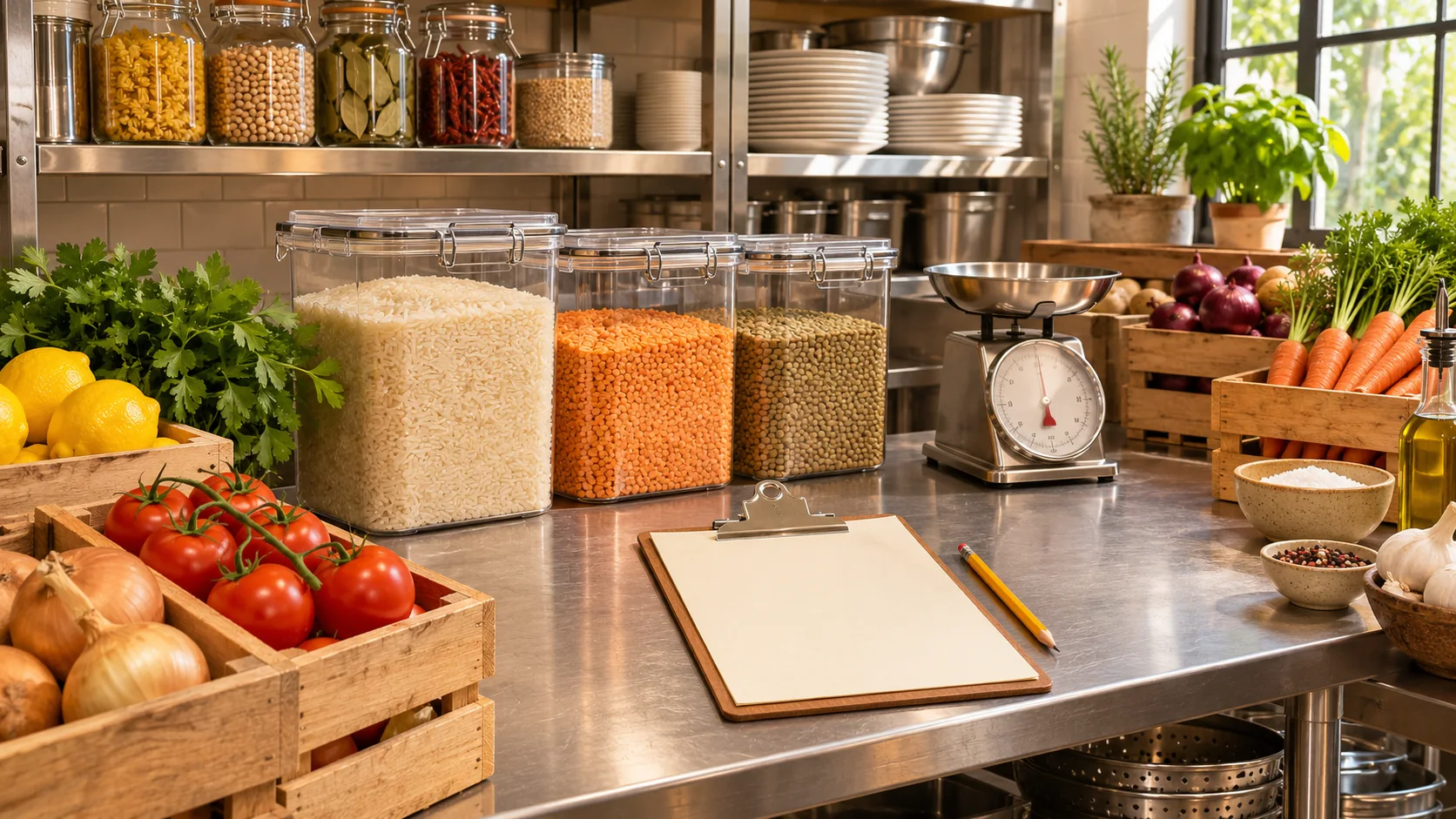
Illustrative decision process, not a product screenshot or customer result.The best inventory system for a restaurant is the one that supports the stock decisions the team needs to make and can keep accurate. A small kitchen may first need reliable receipts and physical counts. A larger operation may need recipe-level usage, transfers and purchasing controls. Those are different requirements, not interchangeable meanings of “inventory”.
Use this guide to choose a control level before comparing suppliers. It does not claim that Restrova or every restaurant system includes every capability discussed below.
Start with the question you cannot answer today
Write a practical problem: “We do not know how much cooking oil remains”, “receipts are recorded in inconsistent units” or “branches cannot explain transfer differences”. That question identifies the records you need more precisely than asking for the most advanced inventory package.
Separate stock visibility from valuation and menu availability. Knowing the physical quantity of an ingredient is different from calculating its cost or automatically deciding which menu items can be sold. Ask the supplier to explain each proposed connection.
Compare levels of control
| Control level | Records needed | Demonstration question |
|---|---|---|
| Stock visibility | Item identity, unit, opening count and movements | Can staff explain the current quantity? |
| Receiving and purchasing | Expected and accepted receipts | Can a partial delivery be recorded correctly? |
| Recipe usage | Agreed recipes, yields and recorded sales | What triggers a deduction and how are corrections handled? |
| Branch movement | Source, destination and transfer status | Can both branches reconcile the same movement? |
| Cost analysis | Consistent quantities and cost definitions | Can the displayed result be traced to source records? |
The table is a requirements map. Do not assume a supplier offering stock visibility also provides all the other levels in the same package.
Assess the effort behind each level
Recipe-based control needs recipes that someone maintains. Transfer control needs both sending and receiving staff to record their part. Purchasing control needs a distinction between what was ordered and what physically arrived.
Before buying, identify the person responsible for each record and when it will be updated. A sophisticated system filled with incomplete movements can provide a precise-looking but unreliable result. Start with the level the team can operate consistently and plan later expansion deliberately.
Use one ingredient to test the proposal
Choose a stock item with a clear unit, such as rice measured in kilograms. Enter an illustrative opening quantity, a receipt and a closing count in an authorised demo. Ask the supplier to explain the result and show how a mistaken entry is corrected.
If recipe deduction is required, add one sellable item and ask exactly what event changes stock: order submission, acceptance, preparation, completion or another configured trigger. Then test a cancellation. Do not infer the answer from a menu screenshot.
Keep physical reality in the process
Software records movements; it does not physically count every container by itself. Agree a counting routine and a way to investigate differences. Record waste, authorised transfers and other movements through the process your business approves.
Use a small number of important items for a pilot before expanding the catalogue. Resolve unit and naming problems early. Otherwise the team may maintain several records for the same ingredient and lose the ability to reconcile them.
Compare scope with operational consequences
Ask each supplier to label requirements as demonstrated, configurable, separately quoted or not verified. A requirement may be essential to one restaurant and unnecessary to another. Do not choose by the number of feature labels alone.
Also ask how staff access, corrections and reporting work at the chosen level. The ability to enter a receipt is only useful when the restaurant can identify its source, correct an error and understand the resulting quantity.
Evaluate Restrova’s inventory scope
Restrova provides inventory management, and its inventory demonstration introduces stock items and inventory-level monitoring. The video does not by itself establish recipe auto-deduction, purchase-order matching, warehouse transfers or every costing method.
Bring your ingredient example to a demo. Use the unit-conversion tests, receiving checklist and current pricing to agree the actual setup.
Inventory-system questions
Is the system with the most features always best?
No. Evaluate the controls your team needs and can maintain. Unused complexity does not repair missing or inconsistent source records.
Does an inventory module automatically control menu availability?
Do not assume that connection. Ask the supplier to demonstrate the exact stock-to-menu behaviour required by the restaurant.
What is the best first test?
Use one ingredient with a clear unit, an opening quantity, a receipt, a closing count and a deliberate correction. Ask staff to explain every resulting movement.
Related Restrova demonstration
This inventory introduction shows the starting product context for a stock discussion. Verify the particular unit, receiving, permission, counting or transfer requirements in this guide in a live demonstration.
Restrova Inventory Demo | Restaurant Inventory & Stock Management System
Restrova’s inventory demonstration introduces stock items and inventory-level monitoring for day-to-day restaurant supplies.
Watch this demonstration on YouTube · Published
Written overview, not a transcript. Use a live demonstration to verify the specific requirements in this guide.