
- Estimate usage for the relevant period
- Account for supply timing and buffer
- Review stock already committed or incoming
A reorder level is a planning rule to review, not a guarantee that stockouts or overstock will disappear.
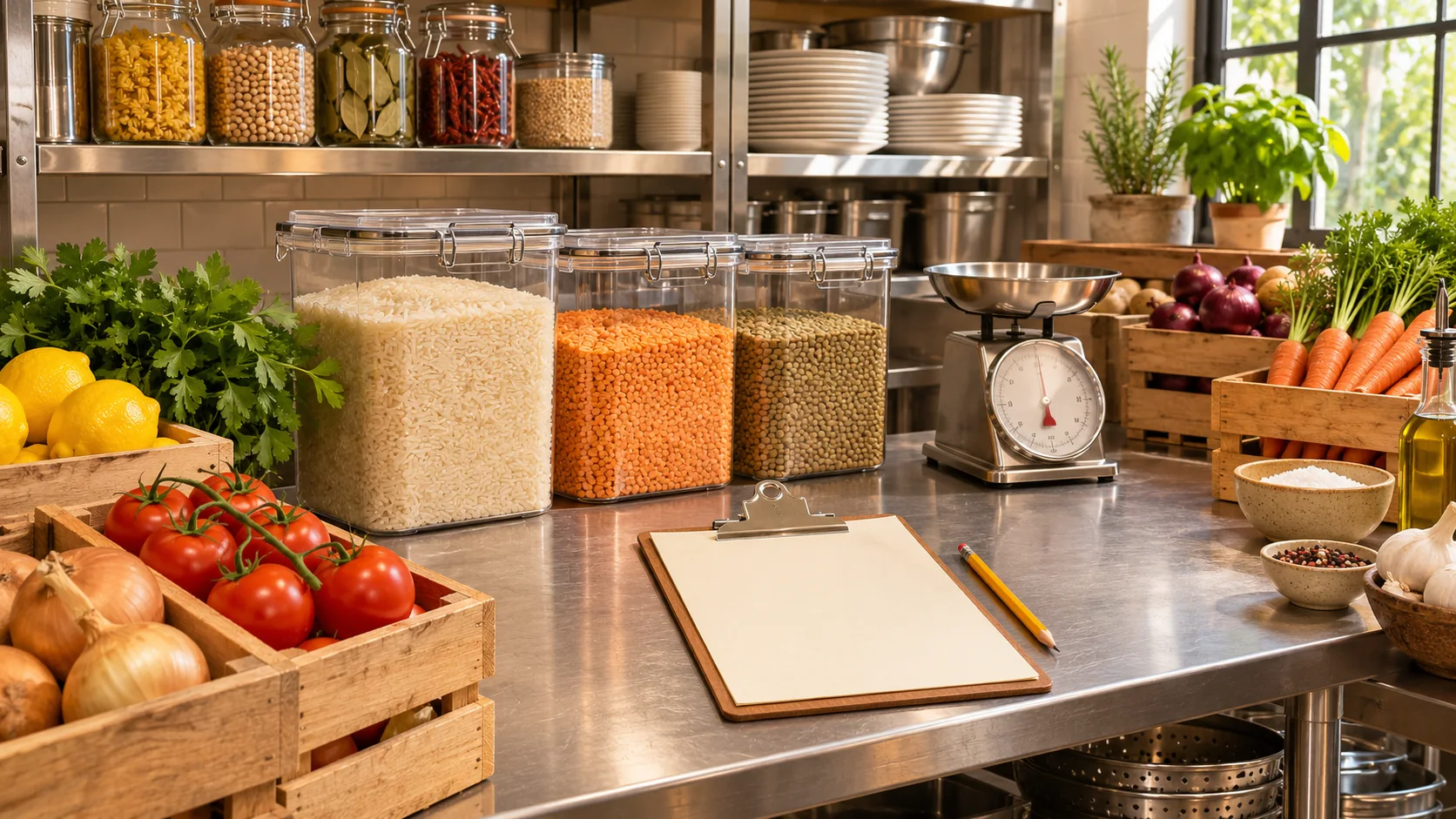
Illustrative decision process, not a product screenshot or customer result.A restaurant reorder level is useful when staff can explain the demand and supplier assumptions behind it. A fixed number copied from another restaurant may be too high for one ingredient and too low for another. Start with a simple, reviewable calculation and improve it using your own operating evidence.
This is an inventory planning example, not a claim that Restrova automatically forecasts demand, generates purchase orders or optimises stock. Confirm the product capabilities separately from the method.
Define the item and planning unit
Choose an item with a consistent unit and a clear receiving process. Agree which storage locations are included. If staff count cartons but usage is discussed in individual units, resolve the conversion before calculating a reorder level.
Also decide what information the planning rule should use: physically available stock, stock already committed to another location and confirmed incoming supply. Write those definitions down so two staff members do not calculate different positions from the same situation.
Use a transparent starting formula
One simple planning approach is expected usage during supplier lead time plus an explicitly chosen buffer. Suppose an illustrative restaurant uses 20 kg of an ingredient per day, expects replenishment to take two days and chooses a 15 kg buffer.
Expected lead-time usage is 20 × 2 = 40 kg. Adding the 15 kg buffer gives a planning reorder level of 55 kg. The buffer is an assumption in this example, not a statistically validated recommendation for your ingredient.
| Input | Illustrative value | What to verify in your business |
|---|---|---|
| Daily usage | 20 kg | Relevant period and variation |
| Lead time | 2 days | Time from approved order to accepted receipt |
| Buffer | 15 kg | Reason for the chosen allowance |
| Reorder level | 55 kg | Whether the assumptions still fit |
This rule does not determine the best order quantity by itself. Pack sizes, storage, shelf life, cash and supplier arrangements need separate consideration.
Account for supply already in progress
If a delivery is already confirmed, avoid ordering again merely because the physical shelf quantity is below the planning level. Review the expected arrival and accepted quantity. An unconfirmed promise is different from a delivery the restaurant can reasonably include in its plan.
Similarly, stock committed to another branch may not be available for this kitchen’s use. Define the planning position carefully and avoid subtracting the same expected usage both in the position and in the reorder formula.
Test a change in lead time
Keep the illustrative usage at 20 kg per day but change lead time from two to three days. With the same 15 kg assumed buffer, the planning level becomes 75 kg. This shows why supplier timing matters even when the menu has not changed.
Do not automatically increase stock without checking storage and the restaurant’s approved food-handling requirements. A planning formula should support the operating decision, not override physical constraints or create avoidable spoilage.
Use demand information that fits the decision
A quiet weekday average may not represent a promotional weekend. Keep exceptional events visible instead of hiding them inside an unexplained average. Review recent actual usage and known upcoming changes with the kitchen and purchasing owner.
If data is limited, label the assumption and review it frequently. Do not present a rough starting estimate as an accurate forecast. The usefulness of the rule improves when the team records what actually happened and why.
Give the reorder action an owner
Specify who reviews the signal, who approves a purchase and who checks the receipt. A low-stock notification is not the same as an approved order or accepted delivery. Each stage needs its own responsibility.
Use the receiving checklist to reconcile what arrives and the variance guide when usage or counts do not match expectations.
Evaluate the available Restrova records
Restrova’s inventory service and related demonstration introduce stock monitoring. Ask which quantities, alerts and purchasing-related records your proposed configuration provides. Do not infer automatic forecasting or replenishment from an inventory overview.
Bring the 55 kg example to a demo and compare it with stock-count help and pricing. Decide which parts are supported by software and which remain reviewed operating decisions.
Reorder questions
Is the reorder level the same as the order quantity?
No. One is a planning trigger; the other is how much to purchase. Pack sizes and operating constraints affect the quantity decision.
Does a buffer guarantee no stockouts?
No. Demand, lead time and record accuracy can differ from the assumptions. Review the rule against actual experience.
Can I use the same buffer for every ingredient?
Use assumptions appropriate to each item and its supply and usage conditions. Explain the choice rather than copying a universal value.
Related Restrova demonstration
This inventory introduction shows the starting product context for a stock discussion. Verify the particular unit, receiving, permission, counting or transfer requirements in this guide in a live demonstration.
Restrova Inventory Demo | Restaurant Inventory & Stock Management System
Restrova’s inventory demonstration introduces stock items and inventory-level monitoring for day-to-day restaurant supplies.
Watch this demonstration on YouTube · Published
Written overview, not a transcript. Use a live demonstration to verify the specific requirements in this guide.