
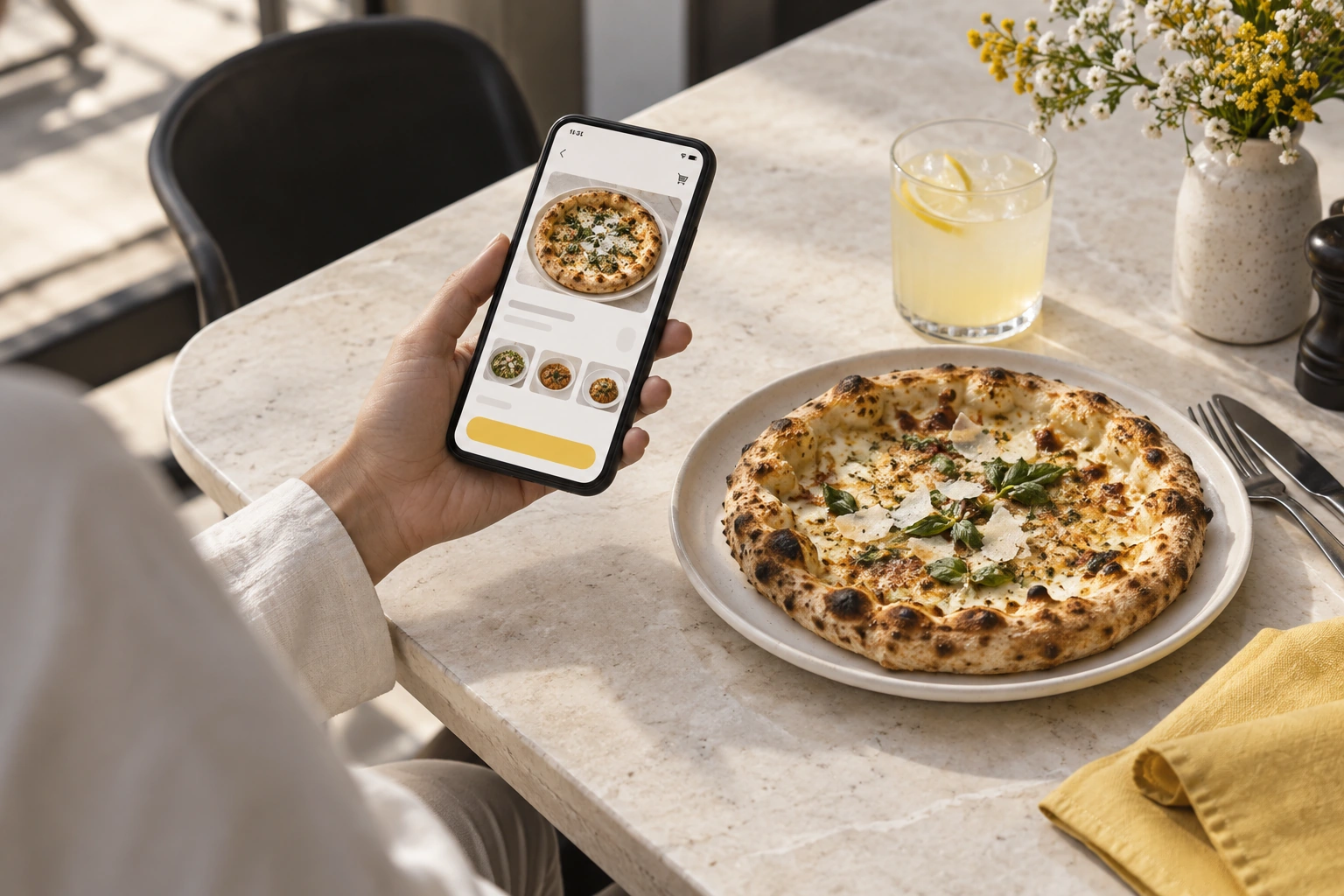
- Make an update
- Preview the change
- Check mobile
A builder is a good fit when the restaurant can maintain the information customers rely on.
Illustrative decision process, not a product screenshot or customer result.The best restaurant website builder is the one that can produce a maintainable website and a usable ordering journey for the business. A general page editor and a restaurant ordering service are different starting points. This 2026 guide compares approaches without inventing a vendor ranking.
Separate website creation from order operations
A page builder may make it easy to arrange photographs and text but still need another service for checkout and order handling. A restaurant-specific service may include ordering while offering less freedom over the surrounding site.
Ask which party owns the domain, who maintains the menu and where the restaurant receives orders. These responsibilities matter more than the number of visual templates.
Investigate documented options
Official sources checked on 10 November 2026 include Restrova ordering websites, Blink's branded website/app description and UpMenu's pricing and website information. Confirm current package scope and Pakistan eligibility where relevant.
Do not assume all three offer the same editing tools, payment methods or support. A published description is a research starting point, not an acceptance test.
Compare the practical editing work
| Task | What to test |
|---|---|
| Menu update | Change an item without breaking its options |
| Availability | Remove or explain a sold-out item |
| Branch update | Correct hours and address in the right scope |
| Visual change | Keep mobile layout usable |
| Ordering link | Reach the correct checkout from key pages |
Have the person who will maintain the site perform a change. A builder is not easy for your team merely because a specialist can use it quickly.
Review the whole ownership cost
Include setup, subscription, domain, hosting where separate, support and any ordering or payment fees. Ask about export and exit arrangements.
Restrova's pricing is a minimum-or-percentage platform model, not a claim of free website ownership. Use the ordering comparison guide and request a demo with a menu-editing task.
Should I choose the largest template library?
Not before verifying ordering and maintenance. A small number of suitable, genuine layouts can be more useful than many previews that do not support the required transaction.
Is a template screenshot enough evidence?
No. Inspect a working responsive example and confirm which functions belong to the actual product rather than to a static design.
A practical check: Evaluate website builders using maintenance tasks
Illustrative scenario: Ask the intended menu editor to change one price, mark an item unavailable and preview the result. Compare how each builder handles that routine work.
- Make an update.
- Preview the change.
- Check mobile.
Decision rule: A builder is a good fit when the restaurant can maintain the information customers rely on.