
- Confirm ownership
- Connect ordering
- Test every entry link
The owner should know who can maintain or move each part of the website after launch.
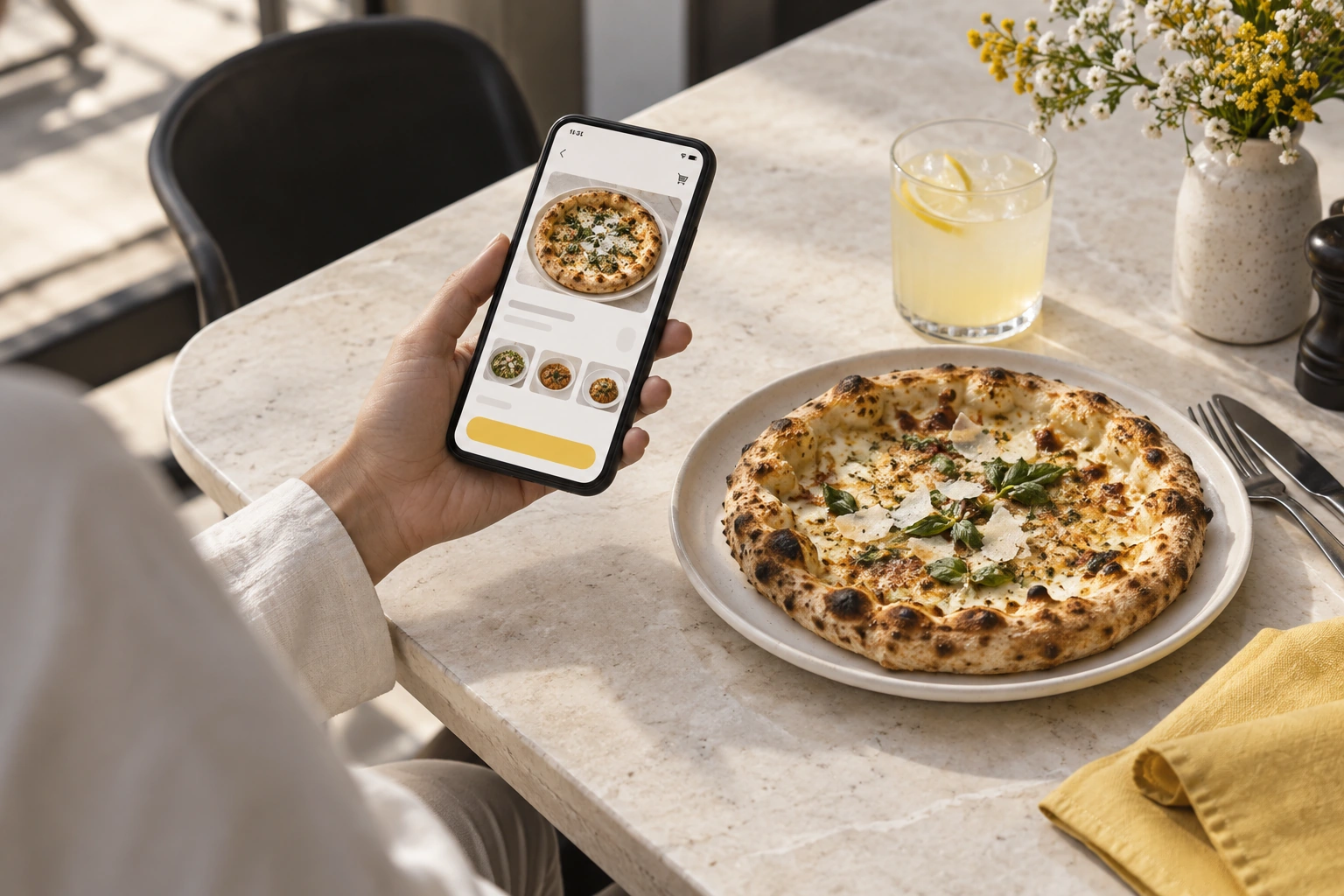
Illustrative decision process, not a product screenshot or customer result.Creating a restaurant ordering website in Pakistan is a content, operations and technical setup project. The website should help customers make a clear choice and give the restaurant an order it can fulfil. Start by defining that experience before selecting visual details.
Separate information from the transaction
Keep useful restaurant information easy to find: menu context, branch address, opening hours and contact details. The transactional flow should then make item selection, options, fulfilment method and total clear.
Avoid placing the only ordering link inside an image or a document. A customer on a small phone should not need to zoom into a poster to find a checkout.
Prepare the domain and access arrangements
Decide who owns the domain account and who can change its settings. If the ordering service uses a subdomain, agree its name and the link from the main website. Keep existing valuable URLs where possible instead of replacing the whole site merely to add ordering.
Ask who renews the domain, manages certificates and supports changes. These responsibilities should remain understandable if a staff member or supplier changes.
Build the menu around decisions
For a hypothetical pizza, separate size, crust and paid extras only where the proposed system supports those choices. Show the resulting total before submission. For a meal deal, make included items explicit.
Use genuine food photography when available and keep descriptions accurate. Do not add unsupported dietary or ingredient claims for marketing convenience. Menu information should be approved by the restaurant.
Test the complete mobile journey
Check a normal order, an unavailable item, a correction and the closed-hours experience. Confirm that the restaurant receives the same selections the customer saw. Inspect loading, text readability, button spacing and the visibility of help.
Use an authorized test process so that rehearsals do not create fake live orders. After launch, review actual customer questions and correct the website or operating process that caused them.
Restrova's ordering website service, apps and pricing provide starting evidence. Follow the launch guide and request a demo with your existing website address.
Do I need a new website if I already have one?
Not necessarily. A clear ordering link, subdomain or verified integration may be sufficient. Preserve useful existing content and choose the approach with the clearest maintenance responsibility.
A practical check: Prepare a website launch and ownership handover
Illustrative scenario: Record who controls the domain, menu, images and ordering account. Complete the first order test before replacing links on the restaurant's social profiles.
- Confirm ownership.
- Connect ordering.
- Test every entry link.
Decision rule: The owner should know who can maintain or move each part of the website after launch.