
- Observe a new user
- Identify the blocker
- Repeat after the fix
Fix the first material obstacle before adding another banner or discount message.
Illustrative decision process, not a product screenshot or customer result.Restaurant website mistakes often prevent an interested customer from understanding the menu or finishing an order. Diagnose the actual journey rather than assuming that more traffic or a new design will solve the problem.
Remove information barriers
Common barriers include an unreadable menu image, missing portion details, outdated hours and an unclear branch address. A customer should not need to contact staff merely to discover basic ordering conditions.
Review the website on a narrow phone screen. Long item names, option controls and totals can behave differently from a desktop preview.
Fix the route to ordering
| Mistake | Correction to test |
|---|---|
| Ordering link is hard to find | Place a clear action on relevant pages |
| Link opens the wrong branch | Correct the destination and selection flow |
| Total appears too late | Explain applicable charges before commitment |
| Unavailable item remains orderable | Assign availability ownership |
| Confirmation is ambiguous | Explain the actual acceptance state |
These are hypotheses to investigate. Do not claim each causes a specific percentage of lost orders without evidence.
Inspect the restaurant handoff
A completed checkout can still fail if nobody monitors the order queue. Verify that staff receive the same item choices and know who acts next.
Check corrections, cancellations and customer support. A website that looks functional in the ideal path may leave customers uncertain when something changes.
Improve one important problem at a time
Choose an issue that prevents ordering or causes repeated questions. Record the current behaviour, make a focused change and test it with a representative order. Review actual service outcomes before attributing an improvement.
Use appropriate consent for optional analytics and avoid sending names, contact details or order notes into general tracking events. Customer support examples should be anonymized when used for internal reviews.
Explore Restrova ordering websites, reporting and pricing. Read the small restaurant ordering guide and request a demo using the problematic journey.
Should I replace the whole website when orders are low?
Not before identifying the cause. Low demand, an incorrect link and an unstaffed order process require different responses. Preserve working content while resolving the observed problem.
Are stock photographs always wrong?
They can be misleading when customers interpret them as the actual dish. Prefer genuine approved food images and avoid visual claims the restaurant cannot fulfil.
A practical check: Find the website mistake that blocks ordering
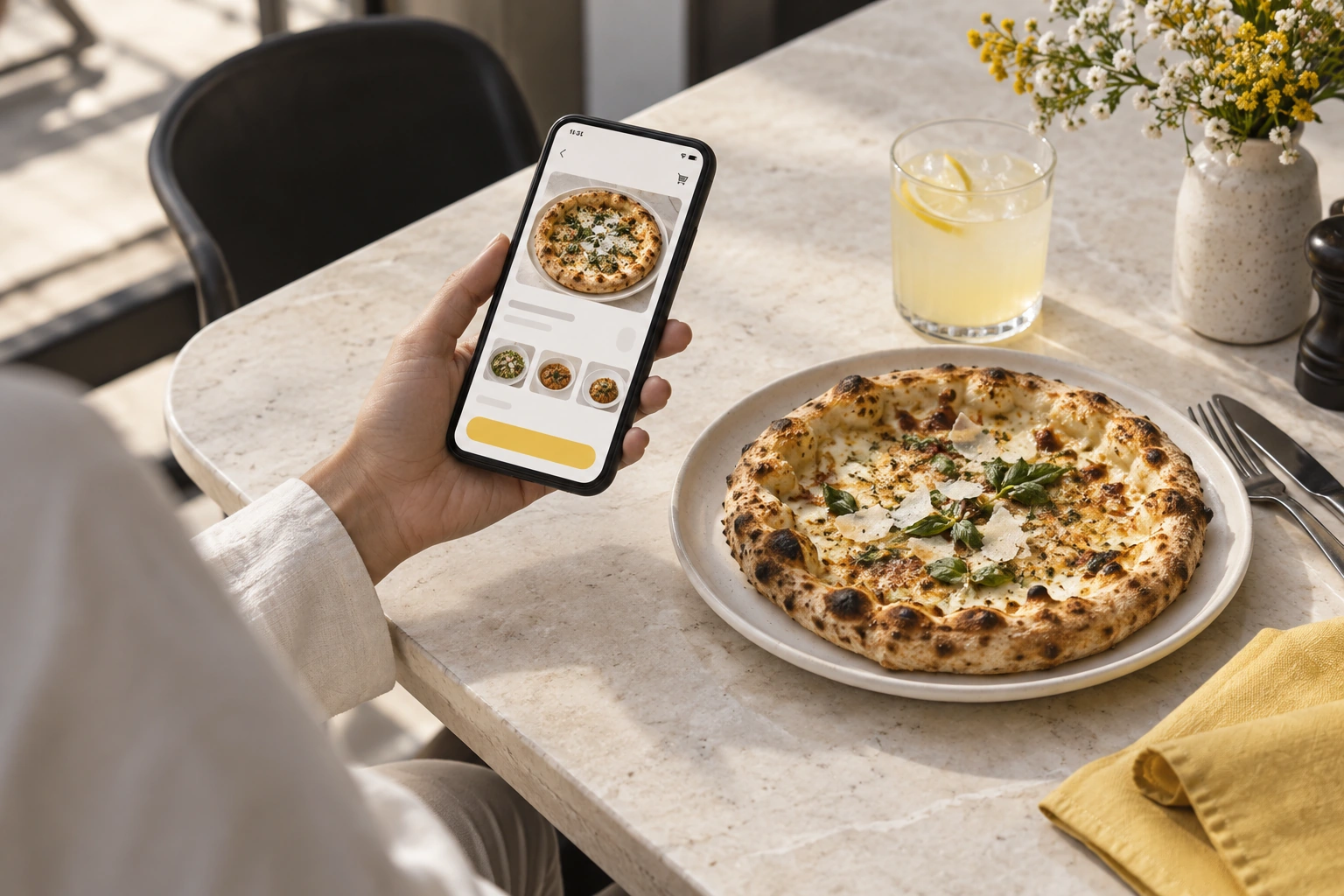
Illustrative scenario: Ask someone unfamiliar with the restaurant to locate the menu and place a test basket. Record where they hesitate, lose an option or cannot understand the final price.
- Observe a new user.
- Identify the blocker.
- Repeat after the fix.
Decision rule: Fix the first material obstacle before adding another banner or discount message.