
- Map existing links
- Add ordering access
- Test old routes
An ordering upgrade should not leave returning customers or search visitors at a broken link.
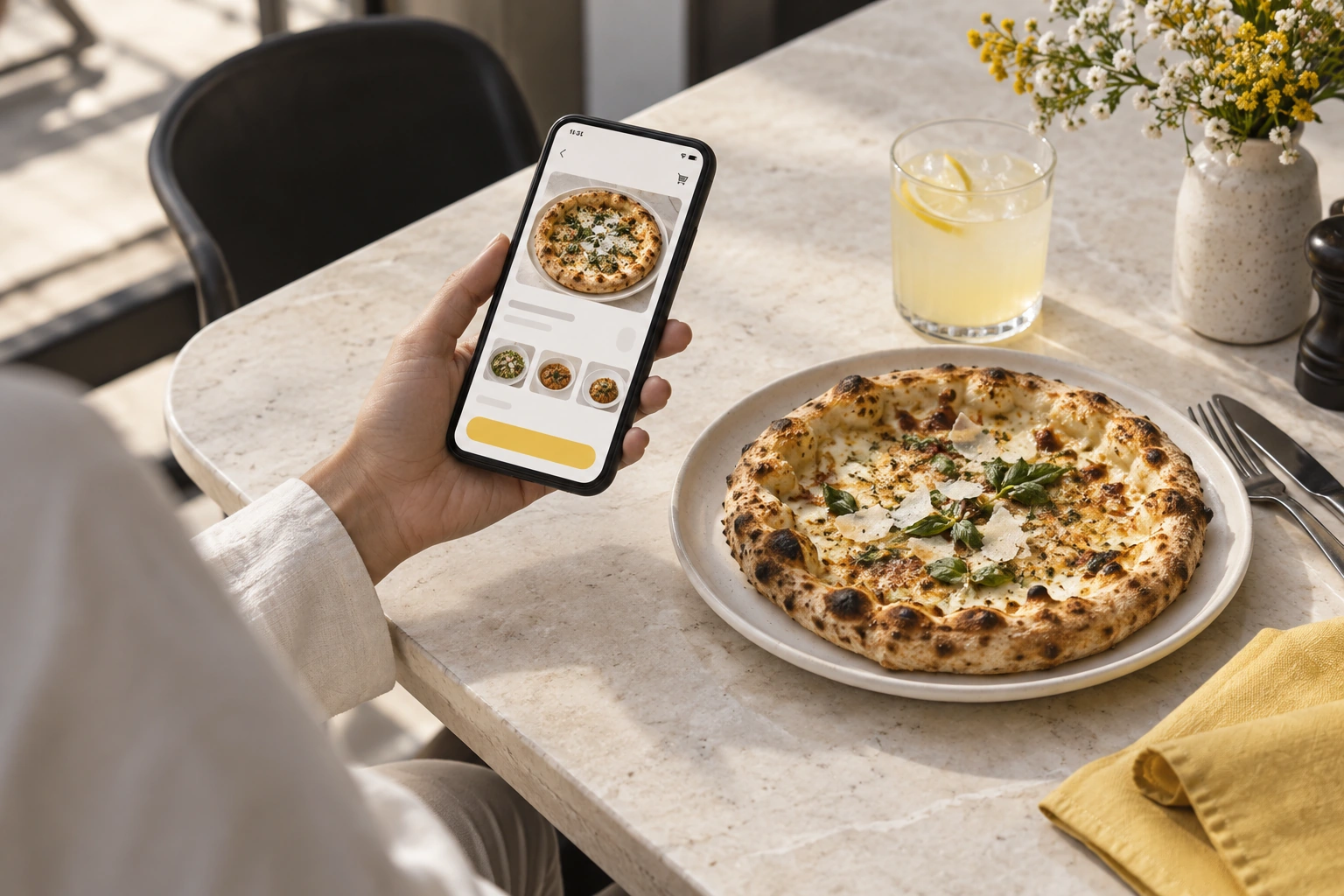
Illustrative decision process, not a product screenshot or customer result.Adding ordering to an existing restaurant website begins with choosing the relationship between the current site and the ordering channel. A prominent link, a supported integration and a full replacement are different projects. Confirm which is available before changing a working site.
Inventory the existing setup
Record who controls the domain, hosting and website editing access. Identify menu pages, contact forms and links customers already use. Keep a copy of important URLs and current content. This is a technical planning record, not a reason to replace a functioning website automatically.
Choose a supported connection
A link can take a visitor to the restaurant’s branded ordering channel. A subdomain may separate ordering from the main content site. An embedded or API-based integration requires demonstrated compatibility and a defined support boundary. Do not assume a plug-in exists for the current site builder.
Preserve useful discovery paths
Place the ordering action where visitors expect it and use descriptive text. Check mobile navigation and the pages receiving existing search traffic. If URLs must change, plan relevant redirects rather than sending every old page to the homepage. Keep ownership of redirects and canonical settings clear.
Test the journey across the boundary
Begin at the existing homepage, find the menu, follow the ordering action and complete a controlled test. Check whether branding, fulfilment information and contact instructions remain consistent. Review what happens when the visitor returns to the original site or opens the ordering channel in another tab.
Assign ongoing responsibilities
Agree which team maintains the menu and which maintains editorial pages. Clarify who handles certificates, domain renewal, outages and tracking configuration. Two teams editing the same information can create conflicting prices or opening hours. Choose the authoritative source and document the update process.
Release carefully
Test without exposing credentials or sending fake live orders. Make the ordering link public only when staff are ready to accept the resulting orders. Review Restrova’s ordering website scope and pricing, then bring details of the existing platform to a demo. Confirm integration work in writing instead of treating a generic website feature as a promise of compatibility.
A practical check: Add ordering without breaking an existing site
Illustrative scenario: Identify the current domain, menu links and important landing pages. Test the new ordering entry point while preserving useful existing URLs and contact information.
- Map existing links.
- Add ordering access.
- Test old routes.
Decision rule: An ordering upgrade should not leave returning customers or search visitors at a broken link.