
- Find public links
- Remove stale destinations
- Complete a test journey
Track completed orders from a known entry point before calling the website a sales channel.
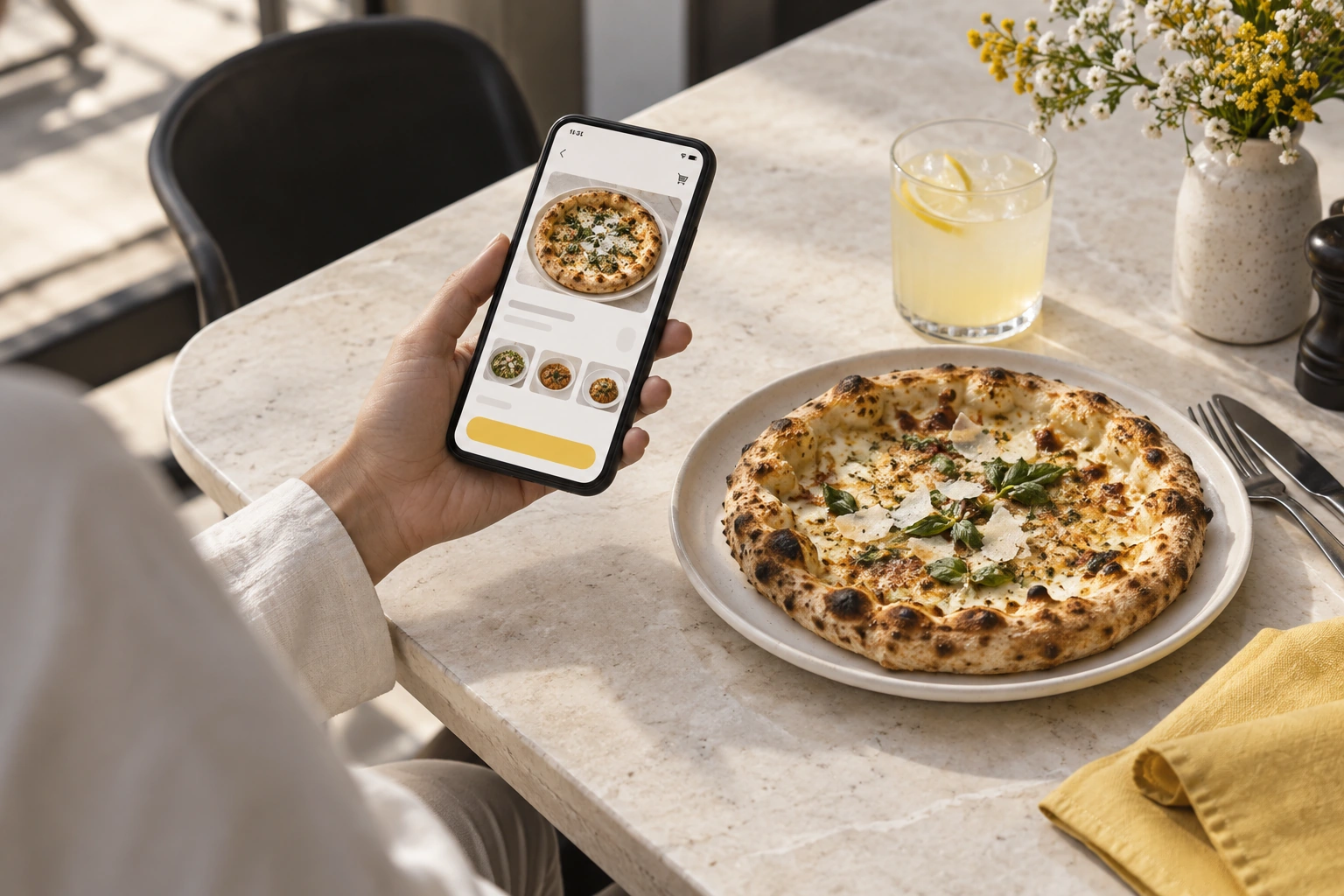
Illustrative decision process, not a product screenshot or customer result.Turning a restaurant website into a sales channel means connecting useful information with a transaction the restaurant can fulfil. Begin by identifying where visitors already arrive and what prevents them from reaching a clear ordering action.
Make the ordering route visible
Add a clear link from the home page, menu and relevant branch information. Check that it opens the correct ordering destination on a phone. Keep contact details available for customers who need help.
Avoid making the customer navigate through a generic enquiry form when a supported ordering flow exists. At the same time, do not remove information they need to decide, such as hours and fulfilment options.
Improve the menu decision
Use accurate descriptions, portions and genuine images. Make required options understandable and show how paid extras affect the total. Availability should reflect what the restaurant can actually supply.
Review a common order with someone unfamiliar with the menu. Their questions can expose missing information more effectively than adding another promotional paragraph.
Connect demand with operating capacity
Assign a person to monitor orders and define the handoff to preparation and packing. A website can bring more requests without increasing the kitchen's ability to fulfil them.
Start promotion gradually and observe the service. Investigate unacknowledged requests, cancellations and support questions before increasing traffic.
Measure the channel carefully
| Measure | Useful question |
|---|---|
| Ordering visits | Are customers reaching the intended destination? |
| Completed orders | Can they finish the supported flow? |
| Cancellations | Which requests cannot be fulfilled? |
| Contribution | What remains after actual costs? |
| Repeat use | Do customers return after service? |
Use appropriately consented analytics and avoid sending personal order details into general tracking events. Website traffic alone is not evidence of sales or profit.
Explore Restrova ordering websites, reporting and pricing. Read the small restaurant ordering guide and request a demo around your existing website journey.
Should I redesign the whole website first?
Not automatically. Preserve useful existing content and fix the route to ordering where possible. A smaller improvement can be easier to test and maintain.
Will an ordering button increase sales?
It creates a clearer route, but demand, usability and fulfilment determine the outcome. Measure actual completed orders and costs before claiming an improvement.
A practical check: Connect discovery links to a working checkout
Illustrative scenario: Audit the links on the restaurant's profile, messages and website. Send each to the current ordering page and check the final confirmation, not only the landing screen.
- Find public links.
- Remove stale destinations.
- Complete a test journey.
Decision rule: Track completed orders from a known entry point before calling the website a sales channel.