
- Check capacity
- Run a small campaign
- Review fulfilment
More demand is useful when the restaurant can fulfil it at an acceptable cost and service level.
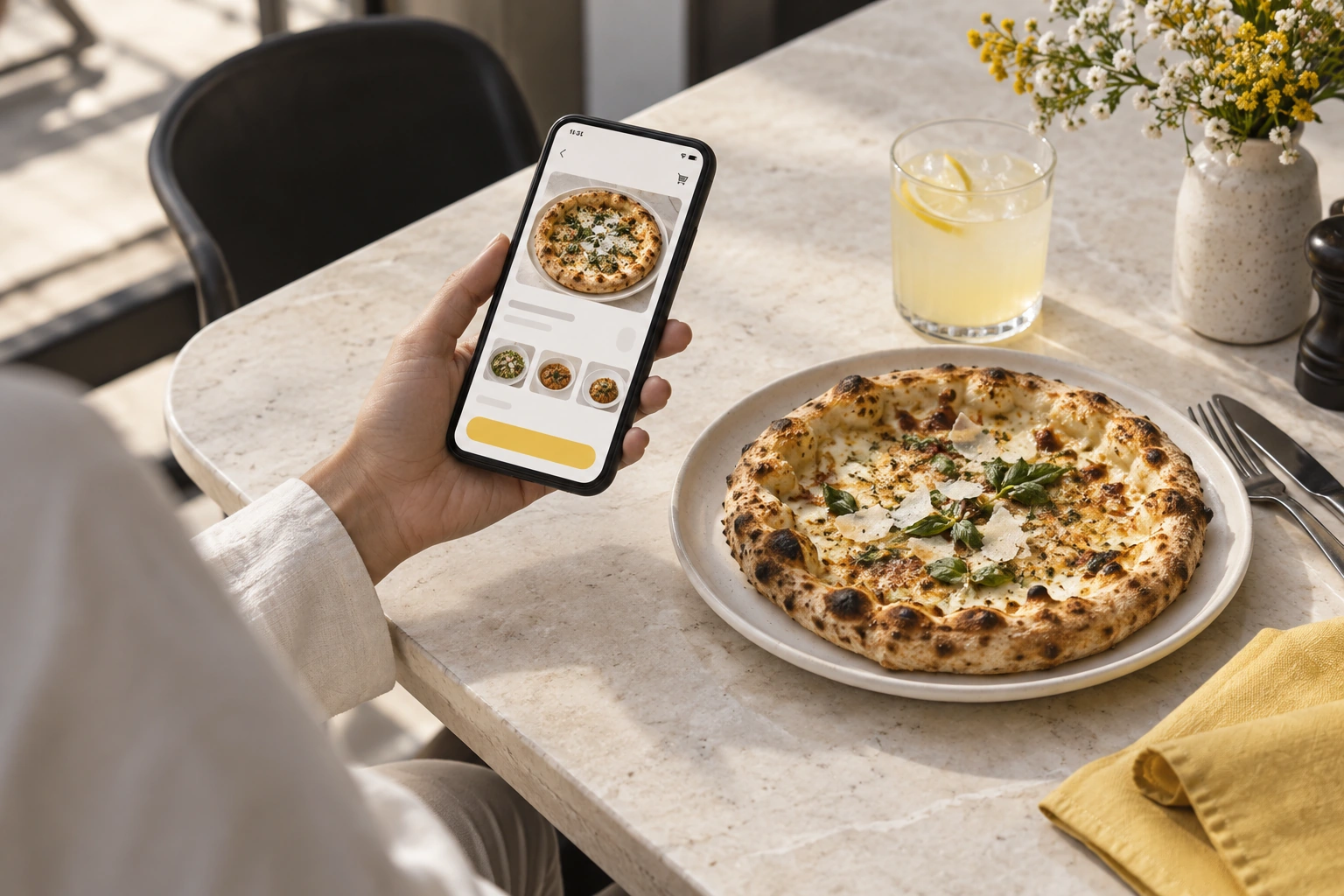
Illustrative decision process, not a product screenshot or customer result.An online food ordering system can support delivery sales by making it easier to place and fulfil a request. Growth still depends on demand, kitchen capacity and the economics of delivery. Software alone does not guarantee additional orders or profit.
Make the delivery offer understandable
Show the available menu, service boundary, charges and customer contact route. A customer should know whether the restaurant can deliver before committing to the order.
Choose items and packaging that suit the intended journey. A full dine-in menu may not be an appropriate delivery menu if quality cannot be maintained.
Match acceptance to capacity
Assign someone to monitor incoming work and coordinate with preparation and dispatch. If the restaurant cannot fulfil more orders, the process should avoid making unsupported promises.
Ask the supplier what controls and statuses are actually available. Do not advertise automatic capacity management unless it has been demonstrated for your setup.
Investigate the delivery handoff
| Question | Why it matters |
|---|---|
| Is the order fully packed? | Prevents premature rider handoff |
| Who is assigned? | Establishes responsibility |
| What amount is due? | Supports collection and reconciliation |
| What if the customer cannot be reached? | Defines the exception response |
| When is completion recorded? | Separates dispatch from delivery |
Location tracking, where supported, is only one part of this workflow. It does not prove the correct food was packed or that the payment record is settled.
Measure contribution alongside volume
Track completed delivery orders, cancellations, discounts and fulfilment costs for comparable periods. Distinguish additional demand from orders shifted from another channel.
For a hypothetical promotion, calculate food, packaging, delivery and software costs before calling higher sales a success. More orders can increase workload without improving contribution.
Explore Restrova delivery management, ordering websites and pricing. Read the rider operations guide and request a demo using one normal and one failed-delivery scenario.
Should I promise live tracking to every customer?
Only where the product, device permissions and connectivity support the actual experience. Explain limitations clearly rather than equating an order-status update with continuous GPS visibility.
Is a larger delivery area always better?
No. Test the operational and financial effect of longer routes. A smaller dependable area may suit the restaurant better than a wide, unreliable promise.
A practical check: Improve delivery sales without overwhelming the kitchen
Illustrative scenario: Run a small promotion during a period the kitchen can support. Monitor accepted orders, preparation delays and delivery exceptions before increasing the campaign.
- Check capacity.
- Run a small campaign.
- Review fulfilment.
Decision rule: More demand is useful when the restaurant can fulfil it at an acceptable cost and service level.